






In this article, I will learn about Astro’s cacheDir and cache-related features. Or more accurately, I will organize my understanding of them.
The Concept of cacheDir
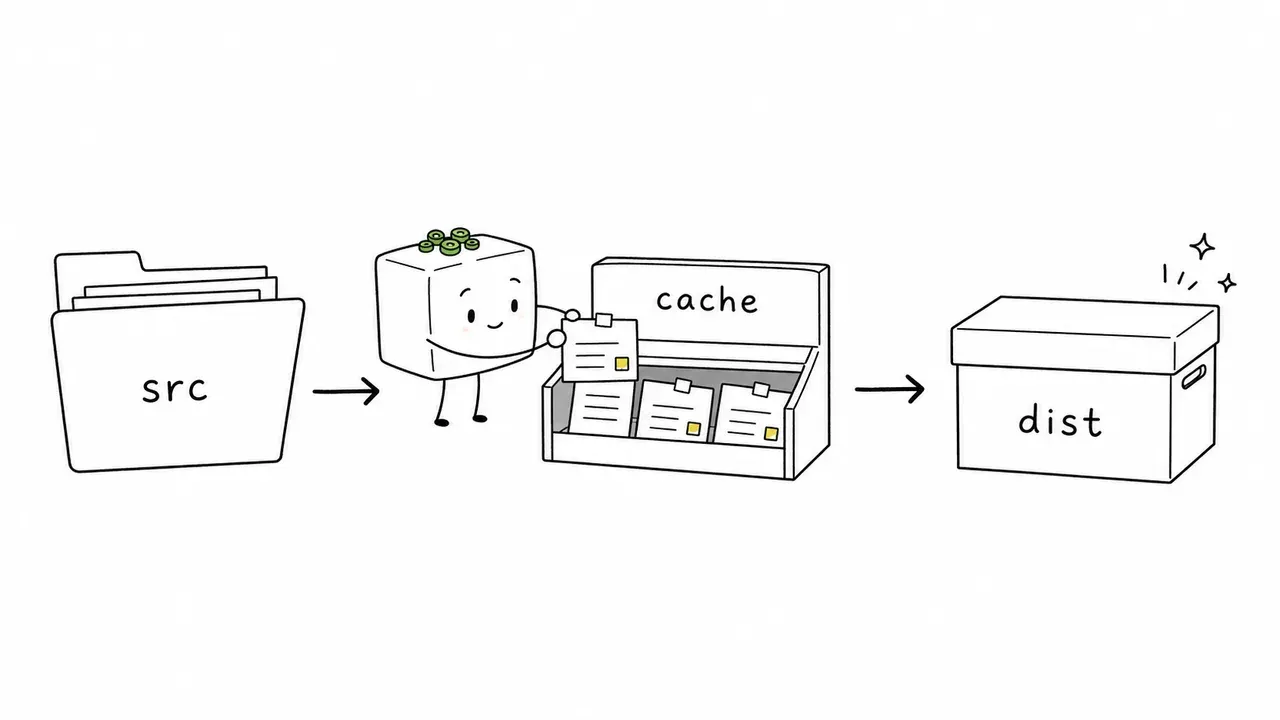
Astro’s cacheDir is the directory where cache files are stored. By default, they are saved in node_modules/.astro.
The cache stored there consists of build artifacts used to speed up future builds. Typical examples include processed images, the Content Layer data store, and font-related caches. These are different from the delivery files output to dist/.
Astro provides a cacheDir setting in astro.config.js. Developers can choose the directory where they want the cache to be stored.
export default {
  cacheDir: './astro-cache',
};
This cache storage and build-time optimization through cacheDir can be used not only during local development, but also in CI/CD pipelines on hosting services.
For example, on Cloudflare, if you enable the build cache from the settings, data such as the pnpm store and Astro’s default node_modules/.astro directory can be saved and reused to speed up builds.
Basically, the cache saved in Astro’s cacheDir is reused locally as long as the directory remains. Astro itself does not define a universal expiration rule such as “this will always be deleted after a certain number of days.”
However, build caches on CI/CD or hosting services do have retention periods. On Cloudflare, for example, they may be deleted under conditions such as seven days after they were last read.
Things Generated and Stored in an Astro Project
When building an Astro project, there are common kinds of data and directories that get generated and stored.
For example, when implementing a website, HTML, CSS, JavaScript, image assets, and similar files become specific to that project. In this section, instead of focusing on project-specific data, I will organize the files and directories that are often automatically generated and stored during build and dev in an Astro project.

Some details may differ depending on astro.config settings or the package manager being used, but I hope this can be useful as a small cheat sheet.
Directories covered in this article
my-astro-project/
├─ dist/                    # Final output published after build
│  └─ _astro/               # CSS, JS, and optimized assets for delivery
├─ .astro/                  # Type definitions and schema for dev/check
├─ .astro-cache/            # cacheDir specified in this blog
├─ node_modules/
│  ├─ .astro/               # Astro's default cacheDir
│  ├─ .vite/                # Vite dependency cache
│  ├─ astro/                # Astro itself
│  └─ .pnpm/                # pnpm virtual store, if using pnpm
└─ astro.config.mjs
dist/
- This is the final output destination of
astro build. This is common in other frameworks too, so it may not need much explanation. - HTML, CSS, JavaScript, images, and other files for serving the static site are generated here.
dist/_astro/
- Inside
dist/, this is where Astro/Vite-generated CSS, JavaScript, optimized assets, and similar files are placed. - These are production files served to the browser, and they are different from build caches such as
node_modules/.astro/.
node_modules/.astro/ (the Default Location for cacheDir)
- This is Astro’s build cache location.
- Intermediate data for speeding up future builds is stored here, such as image transformation results, the Content collections1 data store, and font-related caches.
- If
cacheDiris configured inastro.config.js, that setting takes priority.
.astro/
- This is Astro’s development metadata location.
- It mainly contains working files used during development, such as type definitions generated by Astro and Content collections schema.
- Depending on the command and configuration, the Content Layer
data-store.json2 can also be generated on thecacheDirside.
node_modules/.vite/
- This is Vite’s dependency optimization cache location.
- It contains pre-bundled npm packages and Astro runtime-related files, which speed up future dev server startup and first access.
node_modules/astro/
- This is the installed Astro package itself.
- It contains the framework-side code executed by commands such as
astro buildandastro dev.
.pnpm/v11
- This is part of pnpm’s internal directory for managing dependencies.
- It is not specific to Astro. It is an area pnpm uses for package resolution and actual package storage.
References
- Configuration Reference | Astro Docs
- Images: Asset caching | Astro Docs
- Content collections | Astro Docs
- Build caching | Cloudflare Docs
- Dependency Pre-Bundling | Vite
- pnpm store | pnpm
- Symlinked node_modules structure | pnpm
Footnotes
-
Content collections are Astro’s mechanism for managing Markdown, MDX, and similar content in a type-safe way. Official documentation: Content collections | Astro Docs
-
data-store.jsonis a storage file that lets Astro handle articles and metadata loaded by Content collections internally. Developers usually do not edit it directly. Instead, they edit the original.mdor.mdxfiles.